· 3 min read
Why night photos look bad, and what I changed
- Low light
- Swift
- Lessons
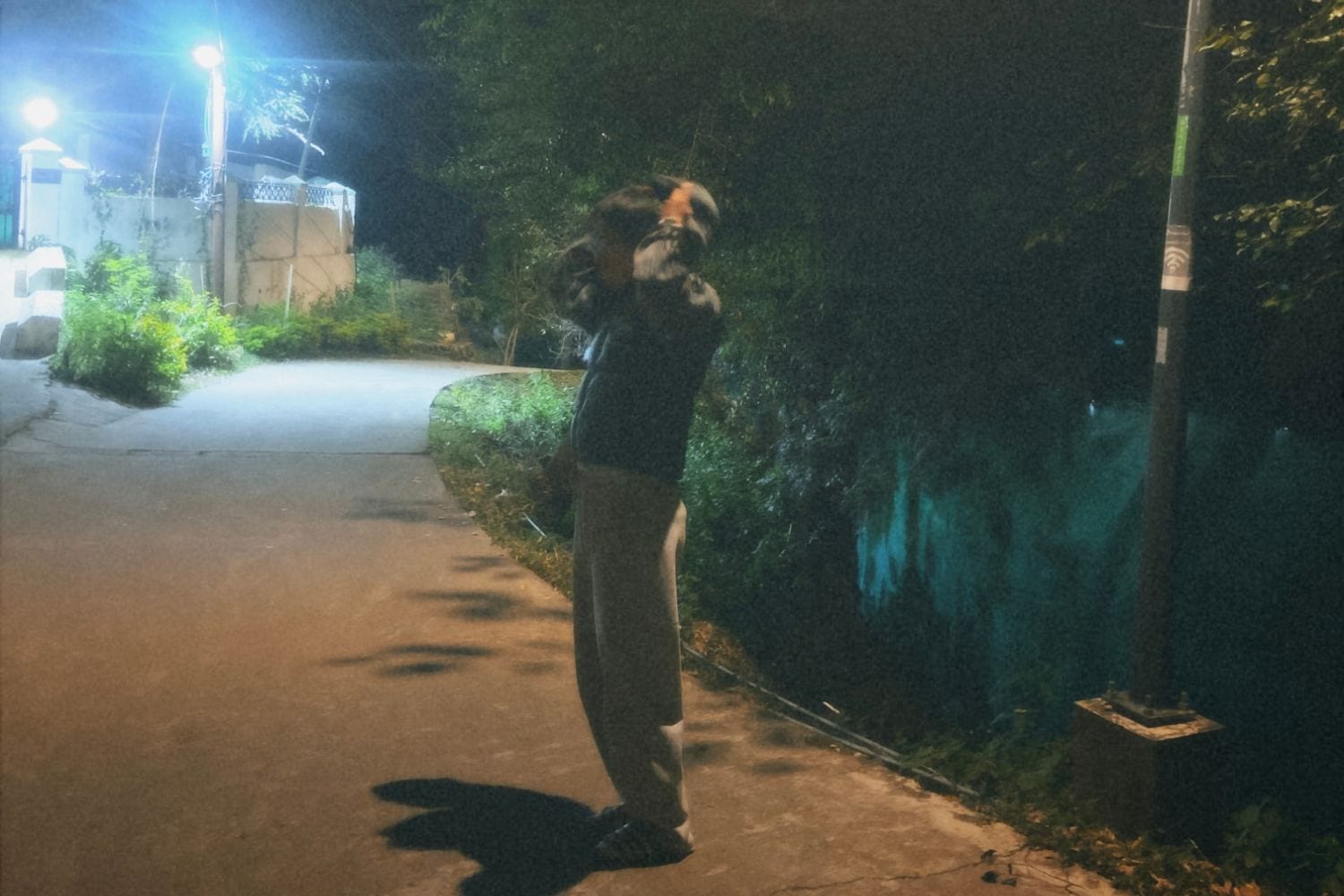
My first night photos from Camyy looked bad in a way I could not name. Grainy, muddy, and the lamps smeared into blobs. Here is what I tried, in order.
What I tried first (and what failed)
Brightening. The photos were dark, so I lifted them. The picture got brighter, but the noise came up with it, and the result looked worse than the dark original.
Zooming in. Reaching for a far-away subject at night. Zooming crops the picture and enlarges the noise, so it only made the grain bigger.
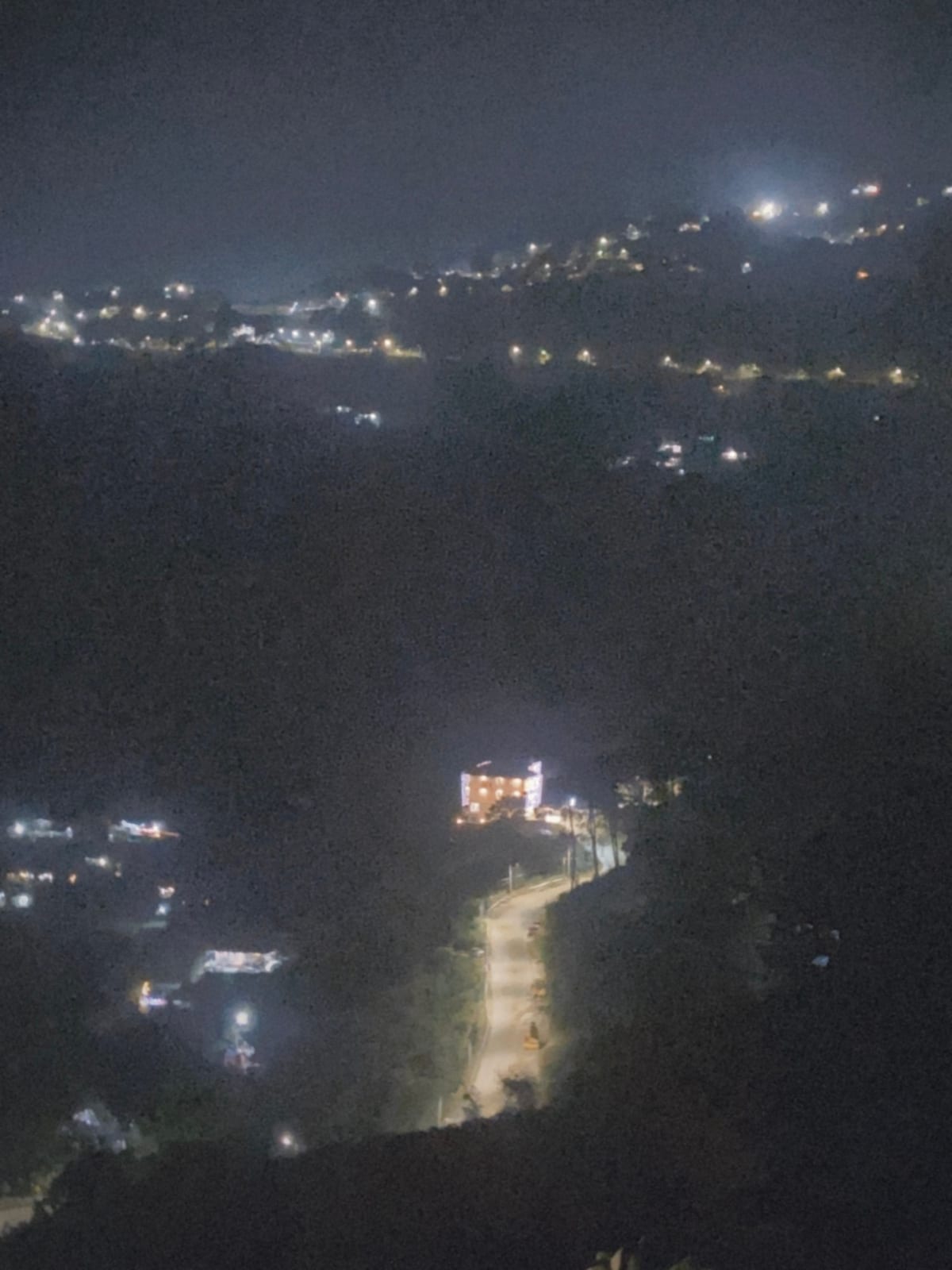
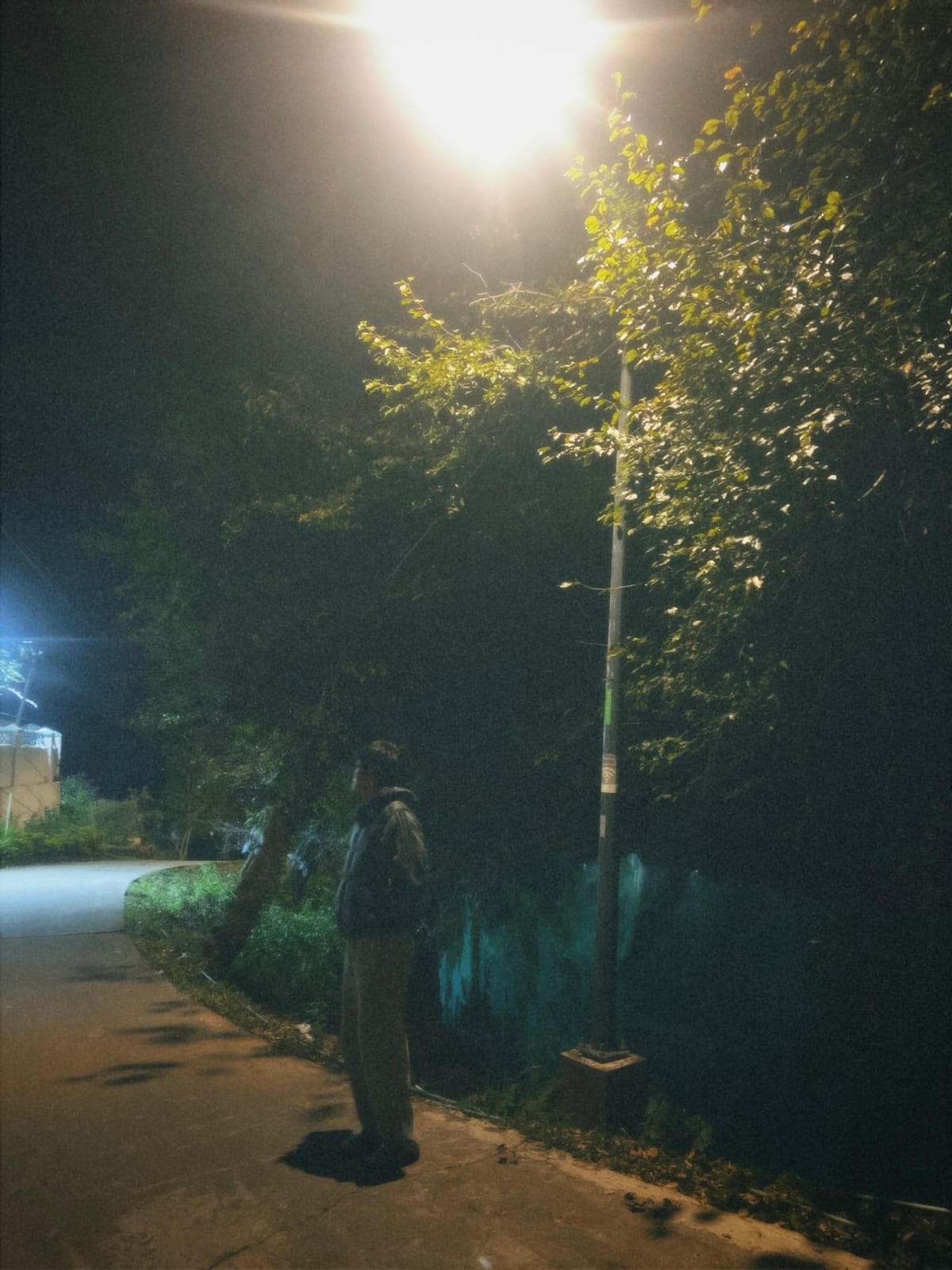
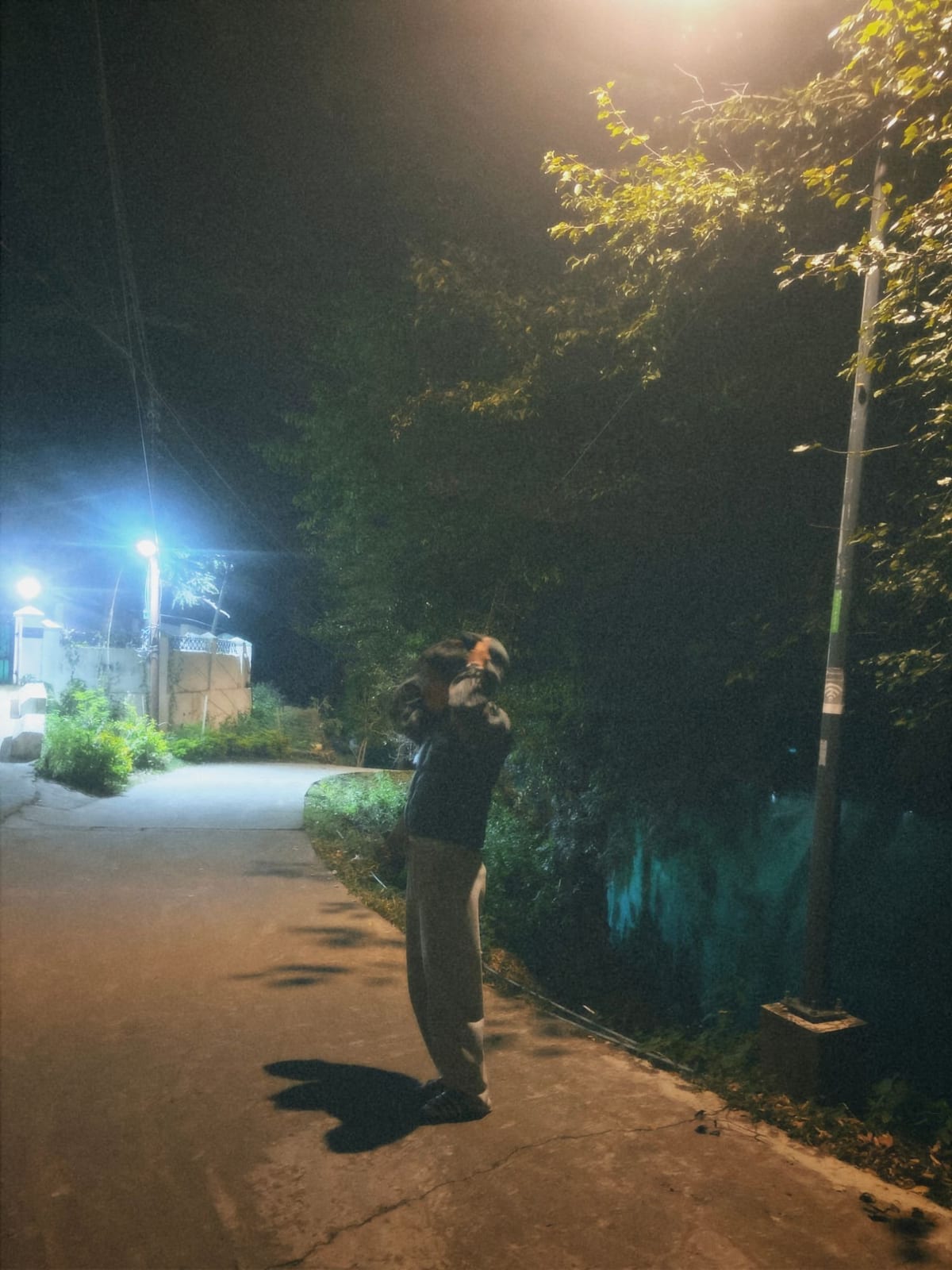
Lamps in the middle. I kept framing street lamps dead centre because they looked good to my eye. A bright light in the centre makes the camera darken everything else, so the people and the street went black.
What worked
Most of the improvement came from the moment of the shot, not from editing afterwards:
- Hold still, or lean on a wall or pole. Long exposures blur easily in the dark.
- Wipe the lens. Smudges turn lamps into glowing smears.
- Move lamps to the edge of the frame and light the people instead.
- Stay on the main 1x lens.
I also made sure Camyy asks iOS for its best-quality capture. It takes a little longer, so you need to hold still for that moment.
// Set up once, when the photo output is configured.
photoOutput.maxPhotoQualityPrioritization = .quality

// For each shot.
let settings = AVCapturePhotoSettings()
settings.photoQualityPrioritization = .quality
photoOutput.capturePhoto(with: settings, delegate: self)
What I changed after the shot
I stopped trying to rescue dark frames. Darker shadows hide noise and add contrast. The catch is that film looks like MOTIF lift the blacks on purpose, so a strong curve makes a photo look less like that film. I now go easy on the curve and use less grain in the dark areas, because coarse grain on top of sensor noise reads as low quality, not as film.
Blown-out lamps turned out to be fine, as long as the rest of the photo is clean. Let lamps look like lamps.
Still not solved
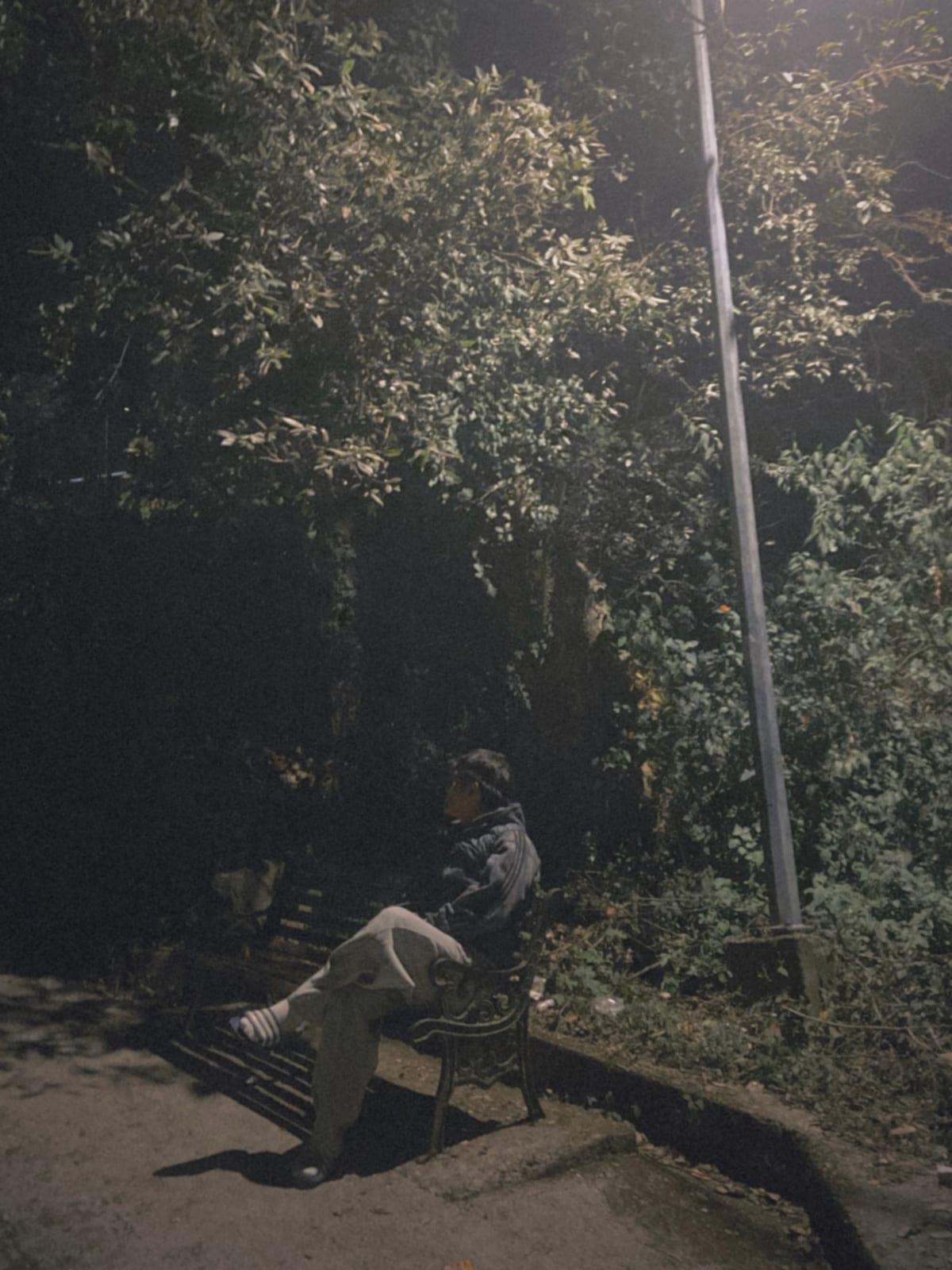
Moving subjects in a long exposure still blur, and I don't have a good answer for that yet. The practical rule is the same as before: ask people to stand still for a second.
For the short version, see the night photography guide.