· 2 min read
Shaping the viewfinder by ratio, and stamping the date like a compact camera
- Swift
- Filters
- Lessons
Two small features that took longer than I expected: letting you pick a picture ratio, and stamping the date in the corner like a compact camera does.
The ratio mask
The sensor gives a fixed shape. Camyy lets you pick a different picture ratio, so the viewfinder shows a masked area and the saved photo is cropped to match.
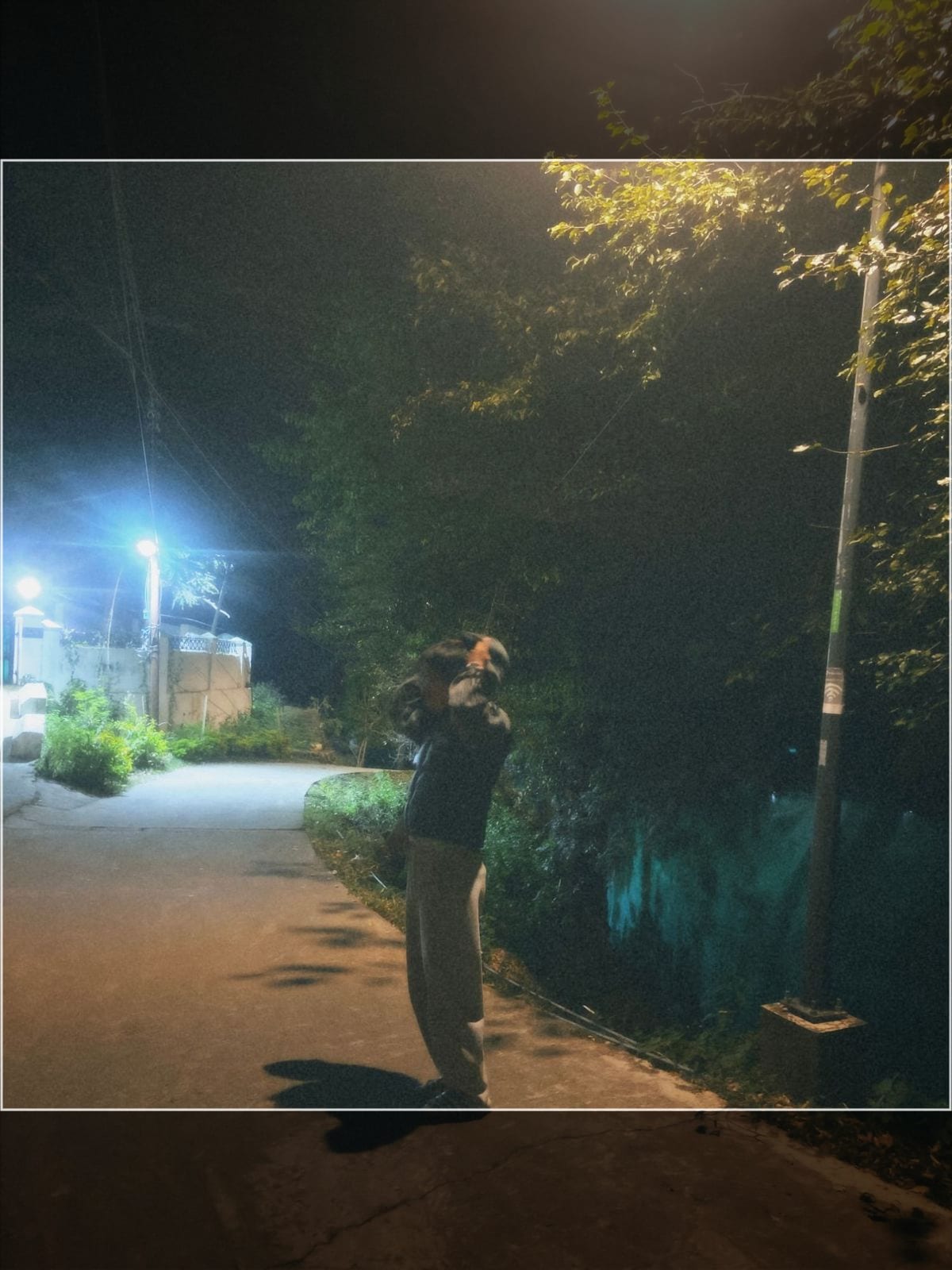
My first version cropped the saved photo with one calculation and drew the preview mask with another. They drifted apart by a few pixels, and photos came out framed slightly differently from what I saw. The fix was boring: one function that both places call.
func cropRect(for size: CGSize, ratio: CGFloat) -> CGRect {
    let current = size.width / size.height
    if current > ratio {
        let width = size.height * ratio
        return CGRect(x: (size.width - width) / 2, y: 0, width: width, height: size.height)
    } else {
        let height = size.width / ratio
        return CGRect(x: 0, y: (size.height - height) / 2, width: size.width, height: height)
    }
}
The date stamp
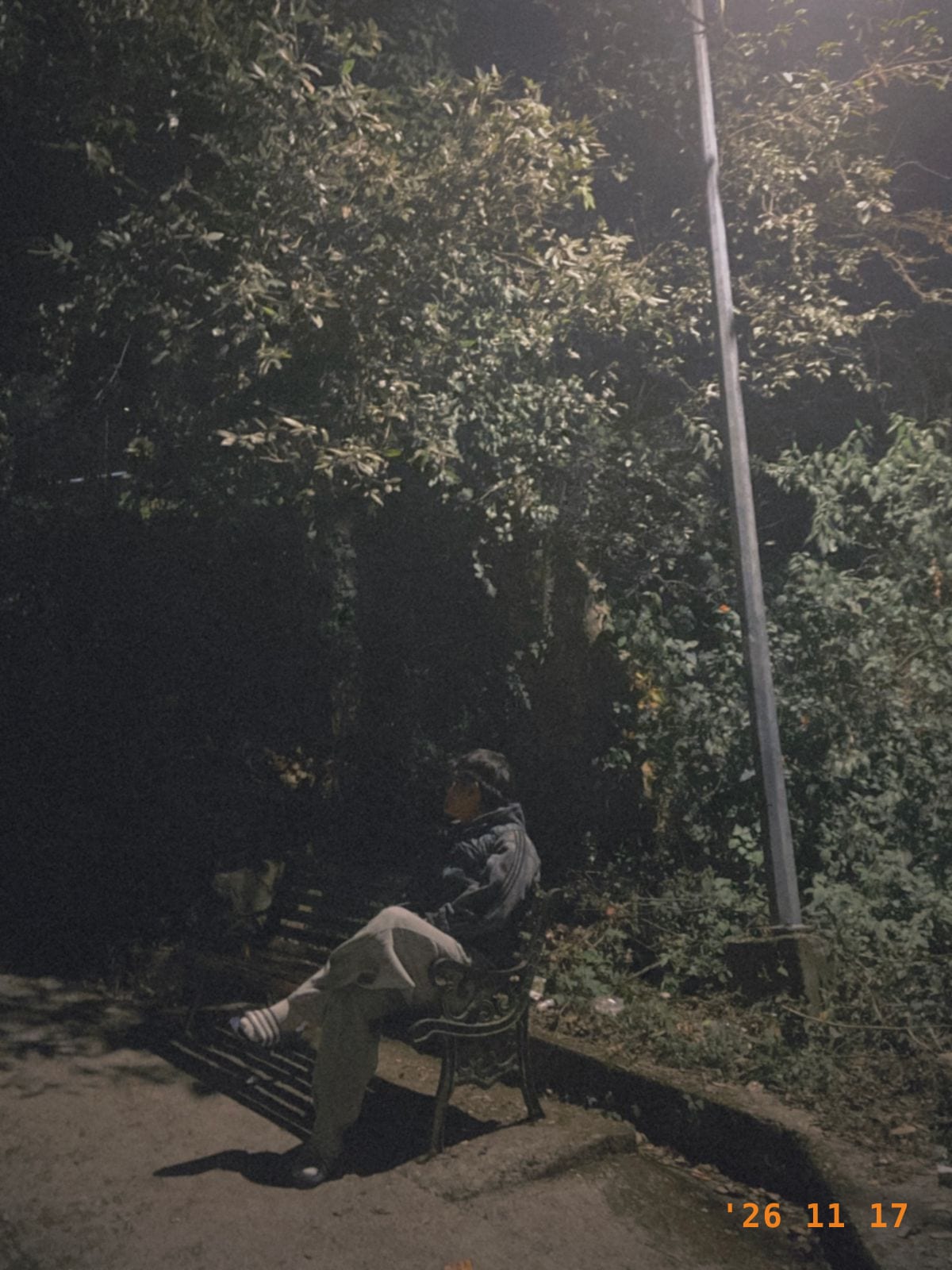
Compact cameras burned a small orange date into the corner. I draw it into the final image, after the crop, so it always sits in the corner of the finished photo.
func stamped(_ image: UIImage, date: Date) -> UIImage {
    let formatter = DateFormatter()
    formatter.dateFormat = "yy MM dd"
    let text = "'" + formatter.string(from: date)

    let renderer = UIGraphicsImageRenderer(size: image.size)
    return renderer.image { _ in
        image.draw(at: .zero)
        let fontSize = image.size.width * 0.03
        let attributes: [NSAttributedString.Key: Any] = [
            .font: UIFont.monospacedDigitSystemFont(ofSize: fontSize, weight: .regular),
            .foregroundColor: UIColor.orange,
        ]
        let size = (text as NSString).size(withAttributes: attributes)
        let margin = image.size.width * 0.04
        (text as NSString).draw(
            at: CGPoint(x: image.size.width - size.width - margin,
                        y: image.size.height - size.height - margin),
            withAttributes: attributes
        )
    }
}
The numbers above are a starting point, not gospel. Tune the size and margin by eye.
What didn't work
A fixed font size. It looked right on one photo and tiny or huge on the others. Sizing from the photo width fixed that.
I also tried a bright, clean stamp first. It looked like a watermark. Smaller and slightly warm looks closer to the real thing.