· 2 min read
Choosing a film look: MOTIF vs SOLARA
- Filters
- Lessons
Camyy ships with several looks: MOTIF, SOLARA, CHROMA, FUJORA and NOIRÉ. This post is about two of them, because they are the two I keep going back and forth on.
How I compared
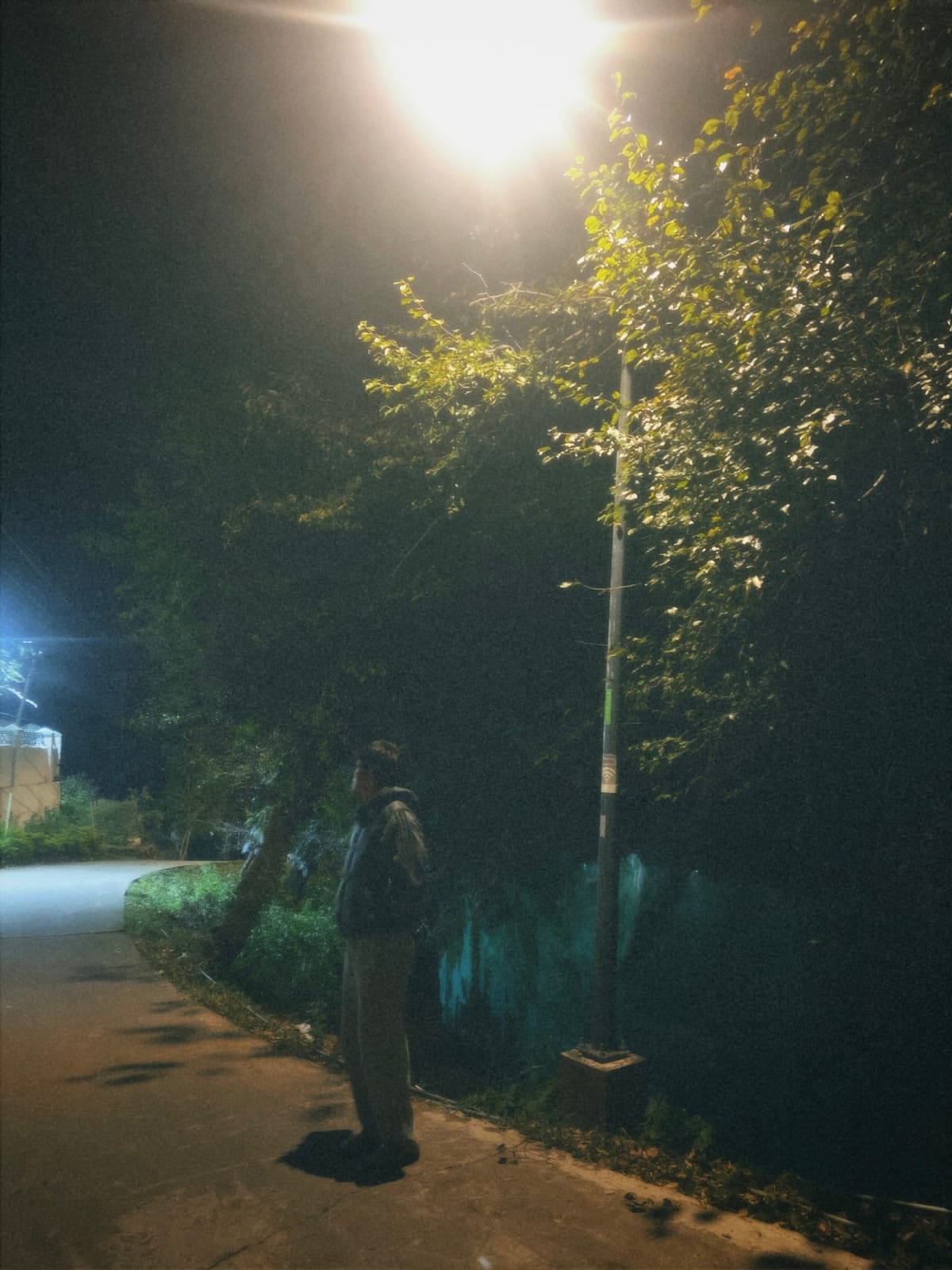
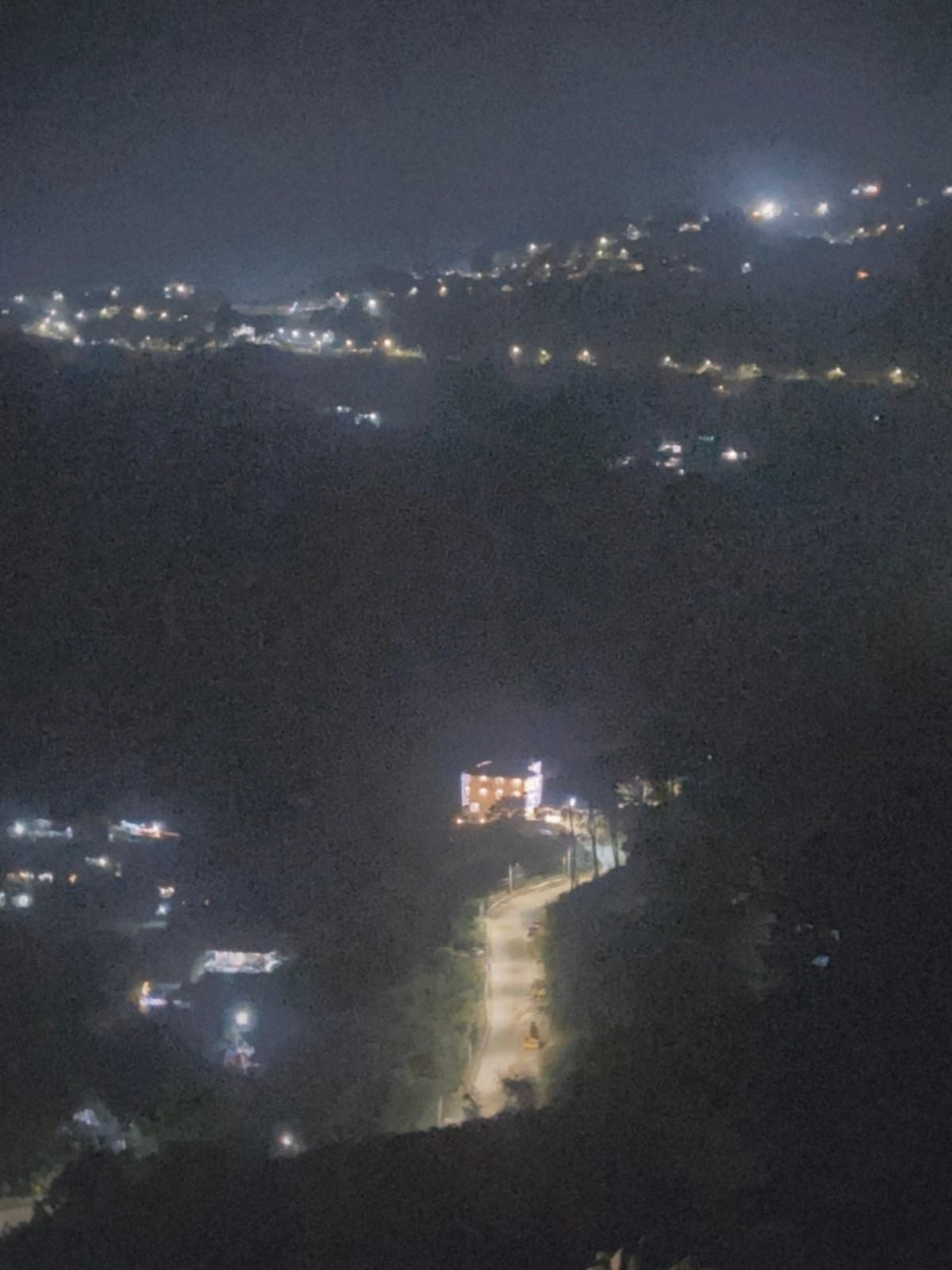
I shot the same scenes twice, one with each look, and put them next to each other. Judging from memory did not work; every look seems fine alone.
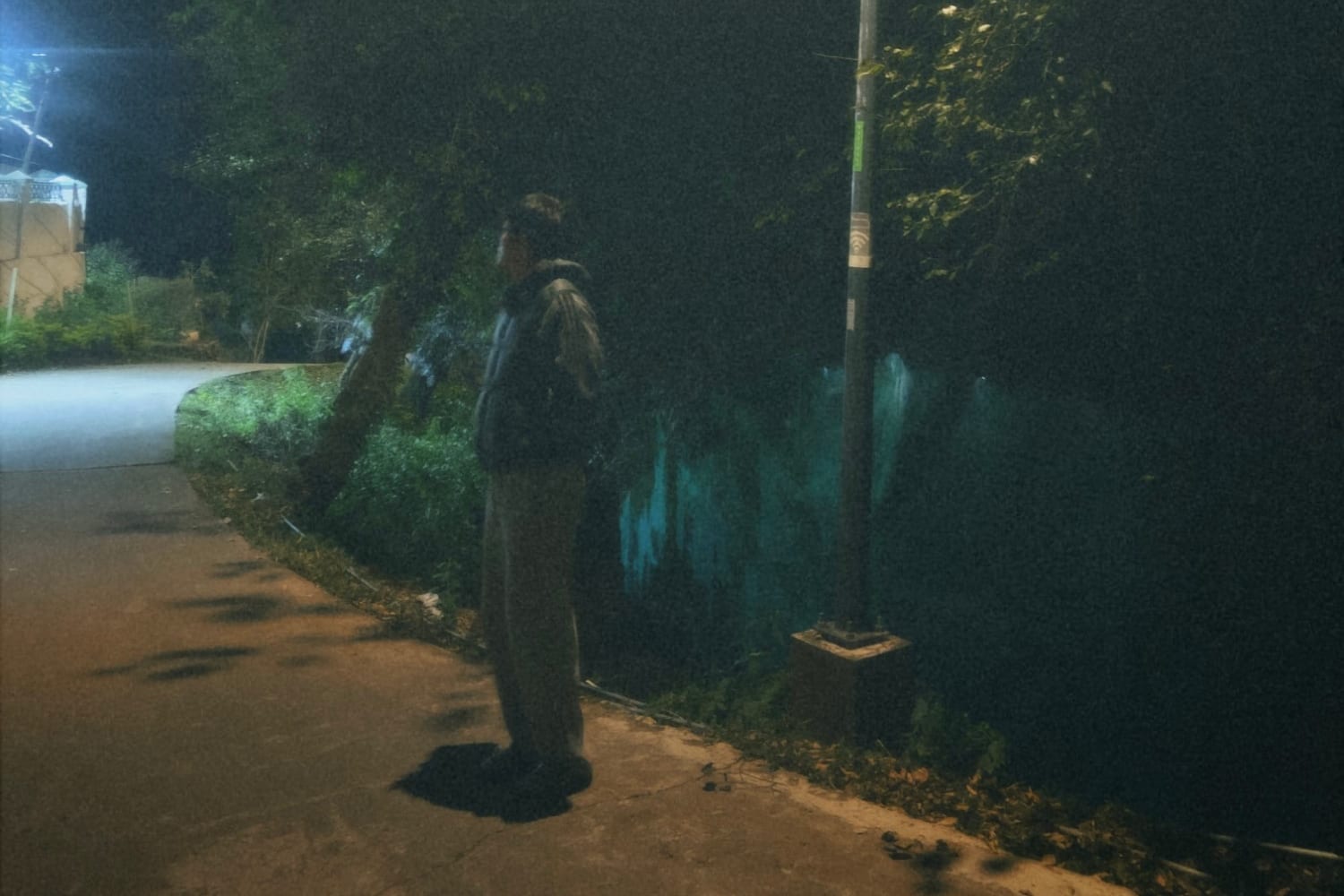
Night scenes were the hardest test, because they show at once how a look treats shadows and bright lamps.
What I noticed
MOTIF lifts the blacks. That gives the soft, slightly faded feel, and it is forgiving when a photo has noise in the shadows, because the darkest areas never go fully black. The cost is contrast: if I add a strong curve on top, the photo stops looking like that film.
SOLARA is the one I reach for when I want more punch. [Add your own notes here: colour, contrast, skin tones.]
Under the hood
A look like MOTIF is mostly a tone curve plus some colour work. A sketch of the lifted-blacks idea in Core Image:
import CoreImage.CIFilterBuiltins

func liftedBlacks(_ input: CIImage) -> CIImage? {
    let curve = CIFilter.toneCurve()
    curve.inputImage = input
    curve.point0 = CGPoint(x: 0.00, y: 0.06)  // blacks start above zero
    curve.point1 = CGPoint(x: 0.25, y: 0.27)
    curve.point2 = CGPoint(x: 0.50, y: 0.50)
    curve.point3 = CGPoint(x: 0.75, y: 0.75)
    curve.point4 = CGPoint(x: 1.00, y: 0.97)
    return curve.outputImage
}
These numbers are only an illustration of the shape, not the values Camyy uses.
What I decided
There is no single winner. In low light I lean towards MOTIF because lifted blacks hide noise; in daylight I like SOLARA. If you shoot at night, the night guide explains why the curve matters.